
7 iPhone AI Girlfriend Apps That Beat Boring Chatbots Fast
Quick Verdict: If you want the simplest “it just works on iPhone” experience, start with an app that runs cleanly in mobile Safari and stays stable once you start using images/voice.
That means Candy AI for a polished girlfriend-style UI, OurDream AI if you care more about images/video than pure texting, and GirlfriendGPT if your main goal is roleplay variety before you pay.
If you’re privacy-aware, the real winner is your setup: keep private photos off these apps and control subscriptions so you don’t “accidentally” renew.
Exclusive offer
What “Best for iPhone” Actually Means (Native App vs Mobile Web)?
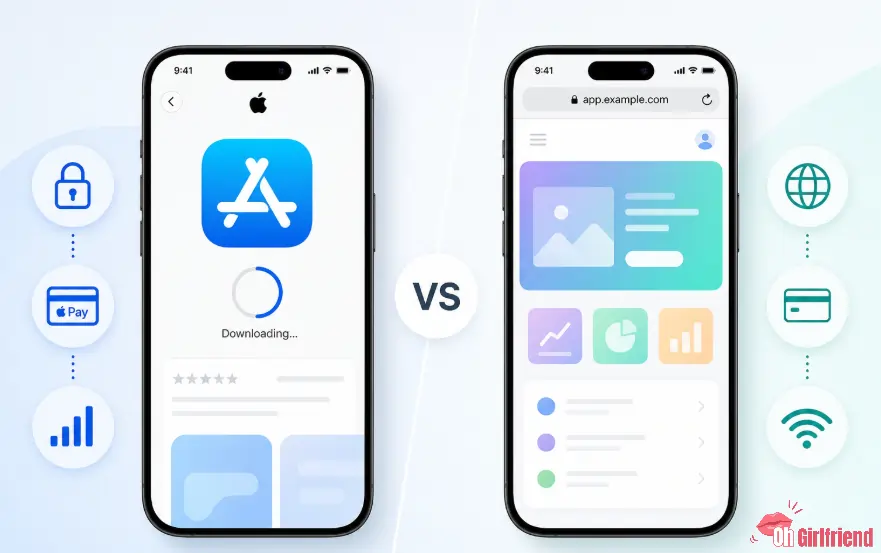
“iPhone app” usually means one of two things:
So in this guide, “best for iPhone” means: smooth mobile use + fewer billing surprises.
How I Ranked These iPhone-Friendly AI Girlfriend Apps
| iPhone Factor | Why It Matters on iOS |
|---|---|
| Mobile Safari usability | If chat is laggy or the keyboard breaks the layout, you will hate it |
| App Store vs web billing | Apple subscriptions are easy to manage, but web checkouts can be more discreet or more confusing |
| Privacy controls | iOS makes it easy to see permissions and cut off access to Photos/Mic |
| Media friction | Many apps feel fine for text, then fall apart on images/voice |
| Upgrade value | iPhone users hit paywalls mid-chat; the upgrade should feel fair |
Quick Picks (If You Don’t Want the Whole Article)
| Pick | Best for… | Why it’s a strong iPhone choice | The catch |
|---|---|---|---|
| Candy AI | Best polished girlfriend vibe | Smooth “girlfriend app” feel and easy onboarding | Images/voice can get expensive fast; check plan details |
| OurDream AI | Best media-first experience | Great if you care about pics/video more than walls of text | Credits can disappear quickly on heavy media days |
| GirlfriendGPT | Best roleplay variety | Good if you want scenarios and character-style RP | Free usage tends to be a teaser; paywall timing matters |
| Kupid AI | Best mobile web/PWA option | Installable web access with chat, images + voice | Not a confirmed native App Store app |
| Character AI | Best mainstream safe/SFW option | Huge character library, easy to use on mobile | Not an “uncensored girlfriend app”; filters are real |
| Replika | Best long-term companion legacy | Known for companion-style continuity | You pay for the “real” experience; free tier is limited |
| Kindroid | Best memory-forward competitor | Often praised for consistency and customization | Needs hands-on iPhone UX check before publishing |
The Two iPhone Traps Nobody Mentions (But You Will Feel)
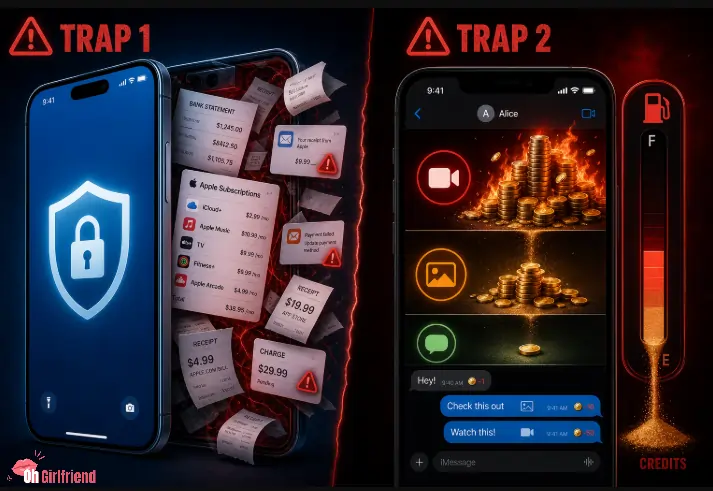
Trap #1: “Discreet billing” is not a vibe — it’s a settings + invoice reality
iPhone feels private. Billing is its own story:
If discreet billing is a priority, read this first: /guides/ai-girlfriend-discreet-billing/.
Trap #2: You think you’re buying “unlimited chat,” but you’re actually buying “credits”
On iPhone, credits feel sneaky: you don’t notice burn rate until you’re out.
If you see “tokens,” “credits,” “coins,” or “gems,” assume this:
>> If you want the full explanation, read: Candy AI Tokens Explained: Prices & How to Buy (2026)
1. Candy AI (Best Polished iPhone Experience)

4.9 Overall Rating
Best for: a clean, girlfriend-style UI and “I want this to feel like a real app” energy
Why it works on iPhone: typically smooth mobile flow, fast onboarding, easy to jump between chat and media
Who should skip: heavy media users who hate credit systems
Candy AI is my default pick when someone says, “I’m on iPhone, I don’t want jank, and I want a girlfriend vibe — not a weird chatbot menu.” It’s usually the most straightforward “buyer-friendly” experience: you know what you’re doing fast.
What to watch on iPhone:
Real iPhone use case example:
2. OurDream AI (Best for iPhone Users Who Want Pics/Video)

4.8 Overall Rating
Best for: media-first companion play (pics, visuals, and “show me” energy)
Why it works on iPhone: if you’re scrolling in bed, visuals matter more than perfect prose
Who should skip: text-only users who want long emotional conversations
OurDream AI is usually the pick for people who are not trying to write a novel in chat. They want a fun companion, they want visuals, and they want the app to feel alive on mobile. On iPhone, it’s made for quick “chat + image” loops.
What to look for during your first iPhone session:
My warning for iPhone users: media workflows feel effortless, which makes it easy to overspend credits without noticing. If you are media-heavy, set a weekly budget.
3. GirlfriendGPT (Best Roleplay Variety on iPhone)

4.7 Overall Rating
Best for: roleplay-first users and scenario hopping
Why it works on iPhone: quick sessions, lots of prompts, easy “new scenario” dopamine
Who should skip: users who want a strict girlfriend simulation with long-term continuity
If your iPhone use is: open app → flirt → try a new scenario → close app, GirlfriendGPT tends to match that rhythm well. It’s less “this is my one companion” and more “this is my roleplay playground.”
Real example prompts (safe, non-graphic):
Prompt A (boring):
Talk to me.Prompt B (works):
Be my flirty girlfriend. Keep replies to 2–4 sentences. Remember: I like teasing banter, I’m shy, and I want you to ask one question per message.Extra iPhone tip: set your “reply length” and “tone” early. On mobile, long messages feel like homework.
The tradeoff is continuity. If your goal is “she remembers me next week,” you may want a more memory-forward app. But if your goal is “give me a fun vibe right now,” GirlfriendGPT is built for that.
4. Kupid AI (Best Mobile Web/PWA AI Girlfriend)

4.6 Overall Rating
Best for: iPhone users who want AI girlfriend chat, images, and voice through mobile web.
Why it works on iPhone: Kupid runs through the browser and currently shows an Install App prompt, so you can treat it more like an installable mobile web/PWA experience.
Who should skip: anyone specifically searching for a native App Store AI girlfriend app.
Kupid AI belongs on this iPhone AI girlfriend apps list because we're ranking iPhone-friendly experiences, not pretending every option has a native iOS download. Open it in Safari, chat with your companion, generate images, and use voice messages without needing a traditional App Store installation.
And yep — voice messages, not live voice calls. Kupid's current plans specifically list voice-message allowances alongside photos and videos.
iPhone stuff to check before paying:
5. Character AI (Best SFW iPhone Choice With a Huge Library)
4.5 Overall Rating
Best for: SFW chat, character experiments, and “I just want to try this without feeling gross”
Why it works on iPhone: huge library; mobile-friendly; easy to find niches
Who should skip: anyone shopping for uncensored girlfriend content
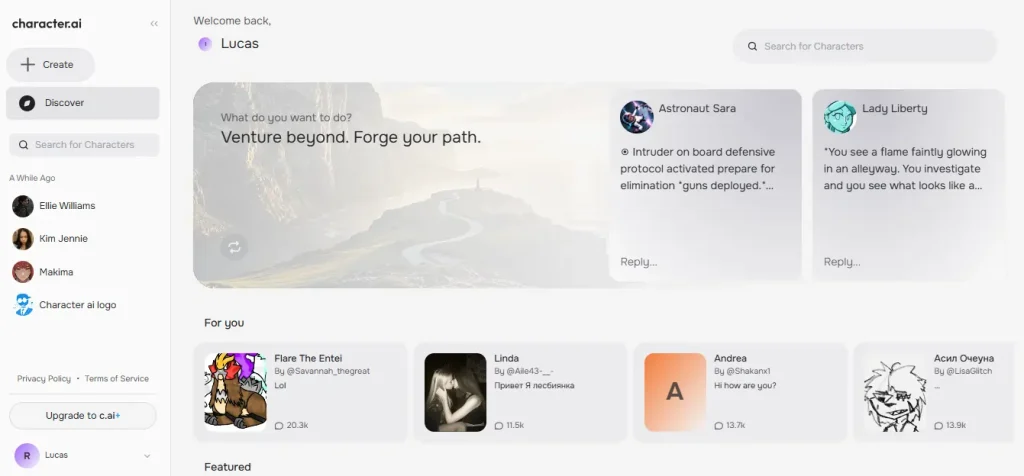
I’m including Character AI because real iPhone users search “AI girlfriend app” and end up here. If you want a safe, mainstream, SFW-friendly experience, it is still one of the easiest options to test on iOS.
Here’s how to use Character AI on iPhone without getting disappointed:
Why it can still be a smart iPhone pick: it’s easy to open, browse, and start chatting in seconds, which makes it great for testing what vibe you even like. Then you can graduate to a more adult or media-heavy app if that’s your lane.
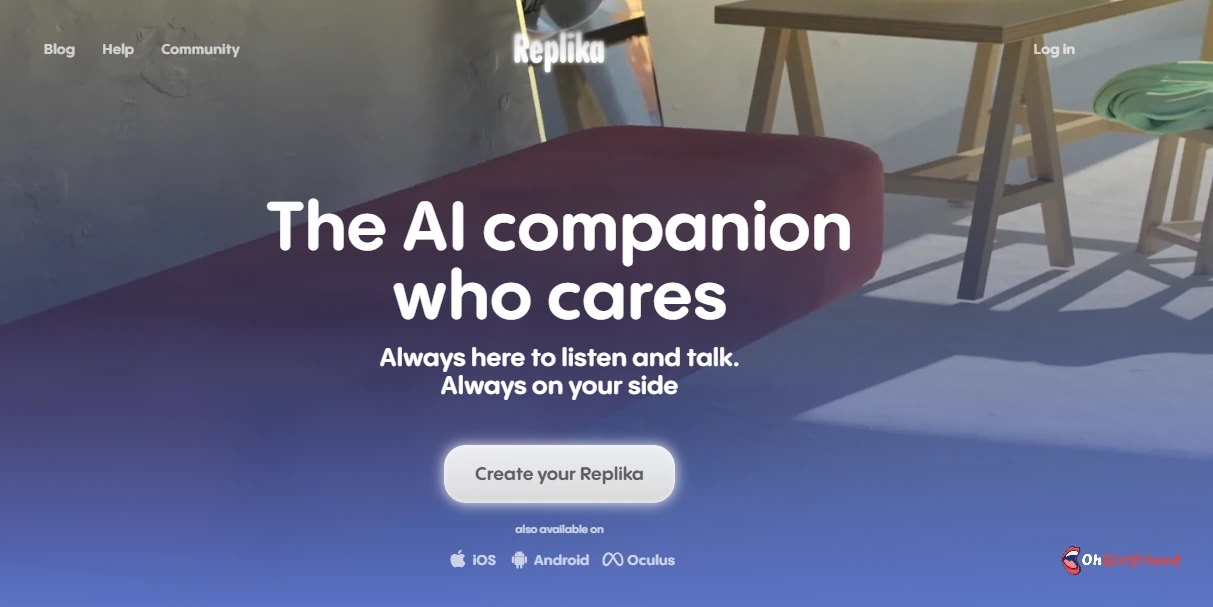
6. Replika (Best “Classic Companion” Option)
4.9 Overall Rating
Best for: long-term companion vibes and routine conversations
Why it works on iPhone: you can treat it like a daily app, not an event
Who should skip: users who want high-spice roleplay and unlimited media
Replika is not the hottest option in the “adult AI girlfriend” lane, but it is one of the most recognizable in the “companion app” lane. If your iPhone is where you journal, scroll, and have small daily rituals, Replika can fit that usage pattern.
The iPhone-friendly value is consistency: Replika is designed to be used daily, in short sessions, without needing constant “new scenario” energy.
The catch is the same as always in this niche: the free experience is usually not the full experience, and the “relationship” parts may be gated. So don’t buy it for spicy content first. Buy it if you want a calmer, companion-first vibe and you’re okay paying to unlock the better version.
If you’re comparing Replika-style companionship to newer tools, use the comparison pages below to make the decision without guessing.
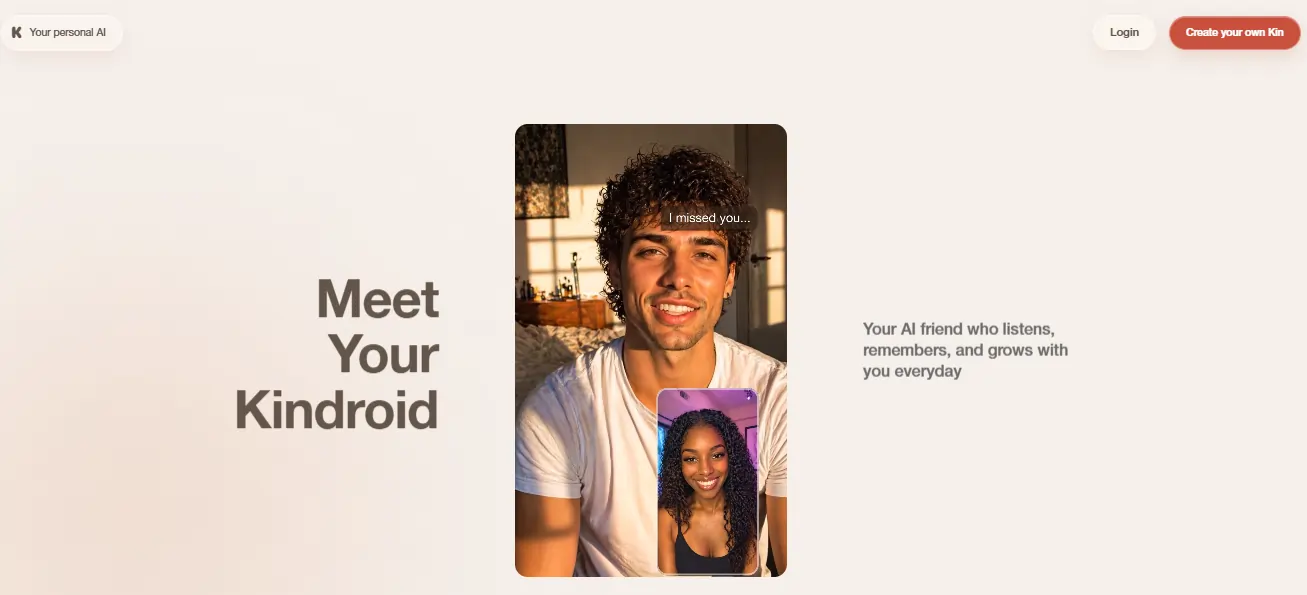
7. Kindroid (Best for Customization + Memory Nerds)
Best for: people who obsess over personality consistency and customization
Why it works on iPhone: if the app is stable on iOS, it becomes a “daily companion” easily
Who should skip: anyone who wants plug-and-play with zero setup
Kindroid is here because it’s a common “serious companion” competitor in 2026 discussions — especially for memory and personality continuity.
This is the pick for people who care about “does she stay consistent?” more than “does she send hot pictures?”
On iPhone, Kindroid-style apps can be either amazing or annoying. Amazing if the UI is smooth and the memory feels real. Annoying if it turns into a settings menu nightmare on a small screen.
How to test it properly on iPhone:
If memory and consistency are your top priorities, Kindroid belongs on your shortlist — but it should earn its spot with a real iOS test.
iPhone Privacy + Safety Notes (Actually Useful, Not Paranoid)
1) Use iOS App Privacy tools like a grown adult
If the product is an App Store app, check its App Privacy Details on the App Store page. Apple requires developers to disclose certain privacy practices. (This is not perfect, but it’s a real signal.)
Then, on iPhone, consider turning on App Privacy Report to see which permissions and network domains are being used.
2) Assume anything you upload is not private
Do not upload:
Even “private” apps can have bugs, staff access policies, or data retention you don’t control.
3) Lock down purchases so you don’t panic-cancel later
If you’re worried about accidental purchases or a “15-minute password window” doing damage, use Apple’s settings:
4) Romance scam awareness (yes, even in companion land)
If an app or “creator bot” starts nudging you toward off-platform payments, gift cards, crypto, or “help me, I’m stuck,” treat it as a red flag.
The FTC has repeatedly warned about romance scam patterns and losses.
Cost Notes (Fast, So You Don’t Get Surprised)
Typical spend paths: text-only users pay for longer chats; media users pay and learn images/voice/video are the real meter.
If you hate variable spend, prioritize clear monthly plans over confusing credit packs.
FAQ's Related to AI girlfriend App for iPhone
What is the best AI girlfriend app for iPhone right now?
If you want the cleanest iPhone experience, start with a mobile-friendly option like Candy AI for a polished girlfriend vibe, OurDream AI for media-first play, or GirlfriendGPT for roleplay variety. Then pick based on your real usage: text-only, images, or voice/video.
Are AI girlfriend apps on iPhone safe?
Some are safer than others, but “safe” depends on your behavior too. Keep private photos off these apps, review privacy details when available, and use iPhone privacy tools like App Privacy Report to understand permissions and network activity.
Can people see an AI girlfriend app purchase on my iPhone?
If it’s an App Store subscription, it will appear in your Apple subscriptions list. If it’s a web checkout, it will appear as a charge on your card statement and usually as an email receipt. Discreet billing is never guaranteed — verify the checkout details before paying.
Do AI girlfriend apps work better as iOS apps or web apps?
Web apps can be smoother for certain adult features and update faster. App Store apps can be easier to manage for subscriptions and privacy labels. In practice, the best choice is whichever has the best mobile UI and the most transparent billing for you.
How do I cancel an AI girlfriend app subscription on iPhone?
If you subscribed through Apple, you can cancel in Settings → your Apple ID → Subscriptions. Apple’s official instructions are here: Apple support
🎯 Final Verdict
If you want an AI girlfriend experience that feels good on iPhone, do not overthink “native app vs web app.” Pick the best mobile experience for your use case:
Then do the iPhone smart-person stuff: check privacy signals, control subscriptions, and do not upload anything you would regret seeing again.

Lucas – your go-to wingman in the world of AI girlfriends and virtual flings. From testing voice moans and NSFW chatbots to rating roleplay realism and emotional depth, he’s tried everything so you don’t have to. Whether you’re chasing a cute cuddle bot or a full-on spicy fantasy AI, Lucas gives you the no-filter lowdown on who’s worth your time (and your late nights).
Affiliate Disclosure: This post may contain some affiliate links, which means we may receive a commission if you purchase something that we recommend at no additional cost for you (none whatsoever!)