How to Write 10,000 Words a Day with Sudowrite
I have written over thirty steamy romance novels. I know exactly what it feels like to sit at your desk at midnight, your hero refusing to unbutton his shirt, your villain refusing to smirk correctly, and your plot having a full emotional breakdown.
I also know exactly how writing 10,000 words a day with Sudowrite became my most reliable and repeatable productivity system. Not a trick. Not a shortcut. A real, structured sprint method.
This is not one of those fluffy “AI is amazing!” articles. This is a proper working guide, written by someone who actually uses the tool every single day to produce full novel drafts.
What Is Sudowrite?
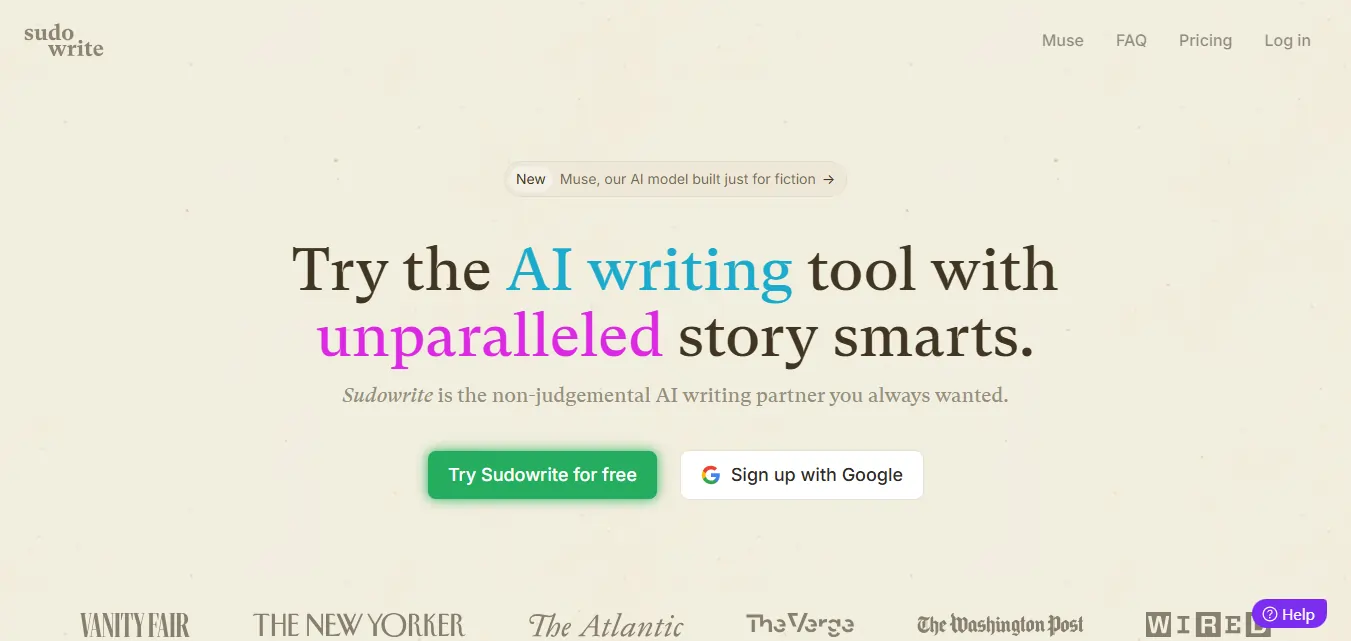
Sudowrite is an AI writing tool built exclusively for fiction authors. It is not a rebranded chatbot. It is not ChatGPT in a fancier interface.
It was built by actual writers. Co-founders Amit Gupta and James Yu created it because they genuinely love storytelling, not because they wanted to sell you another monthly subscription you forget about by week three.
The key difference from every other tool out there? Sudowrite runs on Muse 1.5, its own proprietary AI model trained specifically on fiction writing.
That means it understands pacing, emotional beats, character arcs, and the kind of slow-burn tension that makes your reader read at 1am with a torch under their duvet.
General AI tools write like interns trying to summarise a Wikipedia article. Muse 1.5 writes like it has read every novel ever published and retained all the gossip. 🔥
Why 10K Words a Day Is Not a Fantasy
Most writers average between 500 and 1,500 words per hour working solo. That makes 10,000 words sound like a different planet.
But here is the thing. You are not writing all 10K from scratch inside your head.
You are co-writing with an AI that never gets tired, never loses motivation, and never stares at the ceiling for forty minutes because it cannot remember what its character ordered for breakfast.
The Write feature generates up to 1,000 words per generation. The Expand feature builds out thin scenes. The Describe feature layers in rich sensory detail.
You guide. The AI drafts. You edit and guide again. That is the sprint method and it genuinely works.
Step 1: Build Your Story Bible Before Anything Else
This is the step most writers skip. Do not skip it. It is the difference between a sprint day that flows and one that falls apart by noon.
The Story Bible is Sudowrite's central planning system. Every time the AI generates prose, it reads up to 20,000 words of your existing work plus everything stored in your Story Bible.
This means consistent characters, consistent tone, and consistent plot logic across your entire novel, without you re-explaining your protagonist's backstory at the start of every session.
Your Story Bible should have
The more detail you add, the better the AI writes. One Sudowrite user on StorytellingDB noted that after adding their protagonist's fear of water into the Story Bible, the AI automatically wove that detail into later scenes without being directly prompted.
That is the kind of context memory that no general AI tool can replicate.
Step 2: Use the Write Feature Like It Is Your Co-author
The Write feature is the beating heart of the entire Sudowrite platform. Once you use it properly, writing solo starts to feel unnecessarily lonely.
You set up your scene context. You hit Write. Sudowrite analyses your characters, your established tone, and your plot direction, then generates three different versions of the next 300 to 1,000 words, all matching your existing voice.
You pick the strongest version. You tweak a few lines. You hit Write again.
There are three modes inside Write
For a 10K sprint day, use First Draft to open new scenes, Guided Write for plot turns and intimate scenes, and Auto Write for connective tissue passages.
What most articles do not tell you is that Write performs best when chapters are kept under 3,000 words each. Shorter chapters give the AI tighter, more precise context, which produces sharper and more accurate prose every generation.
Step 3: Describe Makes Your Scenes Feel Like Something
You have written 2,000 words. The chapter reads well but feels emotionally flat. Like a romance cover with no abs on it.
Enter Describe.
This feature layers sensory detail into any passage. You highlight any line or paragraph, click Describe, and Sudowrite generates emotionally charged description options that pull the reader straight into the scene.
It does not overwrite your work. It offers options. You pick what fits your voice and your moment.
For romance authors, this is pure gold. That first touch, the way he smells after rain, the exact quality of morning light when she realises she is completely in trouble with her feelings. Describe captures those moments with genuine literary weight that generic AI simply cannot access.
This single feature can add 1,000 genuinely good words to a flat draft in under thirty minutes.
Step 4: Expand Turns Thin Scenes Into Full Chapters
Every novelist knows the horror of reaching the end of a scene and realising it clocks in at 400 words and reads like a plot summary.
Expand is Sudowrite's answer to that specific nightmare.
You select the thin or rushed passage. Expand builds it out with dialogue, internal thought, sensory beats, and proper pacing without altering your plot direction or overwriting your established voice.
This is not padding. This is genuine scene extension that respects your narrative structure.
In a full sprint day, using Expand on five or six underwritten scenes can add 2,000 to 3,000 words of solid, usable content to your manuscript.
Step 5: Canvas When Your Plot Hits a Wall Mid-Sprint
Even the most organised romance authors hit a moment mid-sprint where the story stalls. You know exactly where you are. You have absolutely no idea where to go next.
Canvas is Sudowrite's visual planning and brainstorming tool. It is an AI canvas where you can explore plot points, character secrets, subplots, and unexpected twists before committing to a direction. 🎨
You drop in your existing story context. Canvas suggests alternate plot paths, surfaces character motivations you had not fully considered, and helps you identify the most emotionally satisfying direction forward.
Spending 15 focused minutes on Canvas before a big scene can save two hours of staring at a blank page wondering why your characters have stopped cooperating.
The Full 10K Daily Sprint Schedule
Here is a realistic daily schedule for hitting 10,000 words using Sudowrite. Based on actual fiction author output patterns and the platform's documented generation speeds.
| Time Block | Activity | Sudowrite Feature | Expected Output |
|---|---|---|---|
| 7am to 8am | Set up Story Bible, plan 3 scenes | Story Bible | Planning only |
| 8am to 10am | Draft Scenes 1 and 2 | First Draft + Guided Write | 2,000 to 2,500 words |
| 10am to 10.30am | Light editing and pacing review | Manual editing | Polished draft |
| 10.30am to 12.30pm | Draft Scenes 3, 4, and 5 | Auto Write + Write | 2,500 to 3,000 words |
| 12.30pm to 1.30pm | Lunch and Canvas planning | Canvas | Plot direction |
| 1.30pm to 3.30pm | Expand thin scenes, add description | Expand + Describe | 2,000 to 2,500 words |
| 3.30pm to 5pm | Final scenes, polish weak passages | Rewrite + Write | 1,500 to 2,000 words |
That adds up to 10,000 to 12,000 words in one structured day.
Not every day will hit those numbers. Some days you get 6,000. That is still three times what most authors produce writing completely solo.
The Rewrite Feature: Your Built-In Editing Partner
After a sprint day, some of your passages will be rough. That is expected and completely normal. First drafts are not supposed to be perfect.
Rewrite is Sudowrite's revision feature. It is the equivalent of having a brilliant editor who never charges by the hour, never gets precious about your choices, and never flinches when you hand them a sex scene.
You highlight any sentence or paragraph. You give a direction. “Make this more sensual.” “Cut the telling and show the feeling.” “Slow this moment down.”
Rewrite gives you multiple revised options instantly. Your original text is always saved. Nothing disappears without your say.
For romance authors specifically, Rewrite is how you take a flat intimate scene and turn it into something that makes your reader miss their bus stop. 😅
The Feedback Tool That Replaces Your First Editor
There is one Sudowrite feature that barely gets mentioned in most reviews. That feature is Feedback.
Feedback reads your manuscript, or a specific chapter, and gives you three clear, actionable areas to improve. It identifies pacing issues, character consistency gaps, and emotional moments that are not landing as they should.
It does not flatter you. It does not tell you everything is brilliant. It gives you honest, specific notes.
For romance authors who are too close to their own work to see its gaps, this is the kind of external perspective that usually costs money. Inside Sudowrite, it is just a click away.
And it will re-read thirty drafts of the same chapter without once complaining. Try doing that with an actual human editor.
Muse 1.5 Is Not Like Any Other AI Model
This deserves its own space because it matters enormously for high output writing.
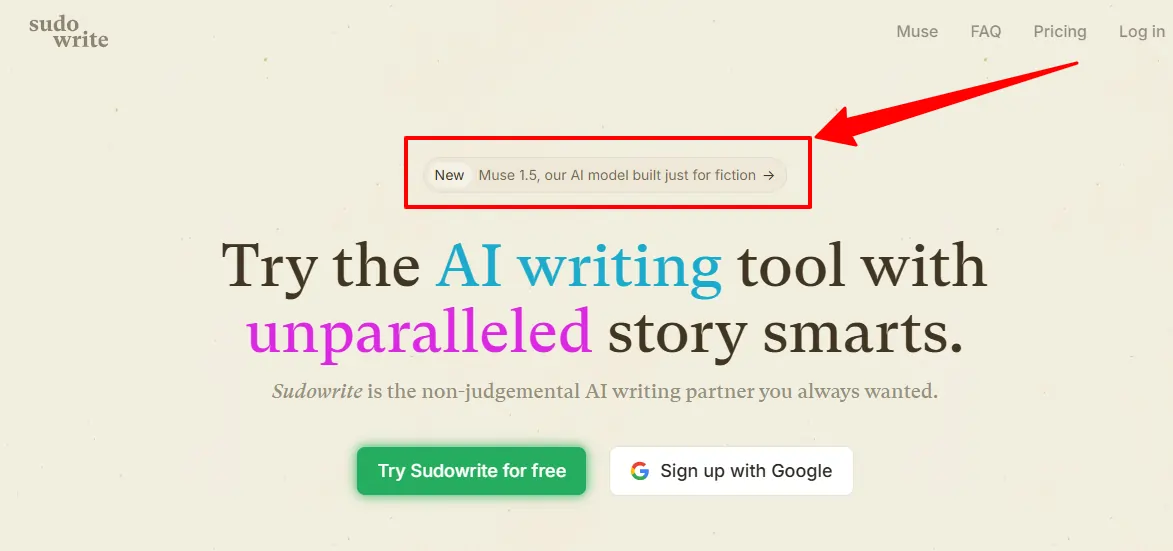
Muse 1.5 is Sudowrite's proprietary fiction model, built specifically for storytelling. It generates 40% longer scene outputs than previous versions while using 20% fewer credits, meaning more words for your money on every sprint day.
Muse 1.5 understands and applies
General AI tools hallucinate plot details and forget what your character looks like three chapters in. Muse 1.5 references your Story Bible on every single generation. It knows your character has a scar on her left wrist because you told it that in Week One.
One Muse 1.5 beta user said this: “My book is finished at 67,400 words in two days.”
That is not a typo. That is what happens when the right tool meets a writer who knows how to use it.
Brainstorm: The Idea Engine Behind Every Sprint Day
Every sprint day starts with knowing what to write. Brainstorm is Sudowrite's fix for the “what now” problem.
You use it to generate character names, chapter titles, plot hooks, opening lines, magic items, and story beats across any genre.
The clever part? You thumbs up the ideas you like. Brainstorm learns from your preferences and gives you progressively better suggestions over time.
For romance authors writing a series, this means your sixth book is genuinely easier to brainstorm than your first. The tool learns your aesthetic and your creative instincts.
That is the difference between a random AI generator and an actual writing partner that pays attention to you.
Plugins: Where Sudowrite Becomes a Full Writing System
Most writers use three or four core Sudowrite features and never look at the plugins section. That is leaving a lot on the table.
Sudowrite has over 1,000 community and third-party plugins that extend what the platform can do.
Useful ones for sprint fiction writers
Plugins are where Sudowrite stops being an AI writing tool and starts being an entire fiction production system. If you are serious about pushing past 10K days consistently, plugins are the next level to explore.
🚀 Claim 200K Free Sudowrite Bonus Credits Today
Get massive writing power with this exclusive Sudowrite deal. Get 200K bonus credits free and create more stories, chapters, and AI-assisted content without limits.

What Sudowrite Will Not Do For You
Most reviews skip this part entirely. Here it is anyway, with no sugarcoating.
Sudowrite is not a one-click novel machine. It will not write a polished book while you eat crisps and watch telly on the sofa.
Output quality depends entirely on what you put in. A shallow Story Bible produces shallow prose. Vague scene prompts produce vague scenes. The AI is only as useful as the direction you give it.
Long unguided generation sessions can also produce repetitive dialogue or circular action beats. Sudowrite needs your active involvement to stay on track.
The best results come from treating Sudowrite like a talented but very literal writing partner. Clear creative direction produces excellent output. Vague instructions produce average results.
Worth knowing about pricing too. The Hobby plan starts at around $10 per month after a free trial. Serious daily sprinters running full 10K output sessions will likely need the Professional plan for sustained high volume use.
The learning curve is real but genuinely short. Most authors feel comfortable with the platform within two to three days of regular use.
📌 One Thing for Romance Authors Specifically
Sudowrite is built for fiction including mature and adult content. Unlike general AI tools that will politely refuse to continue your spicy scene and add a disclaimer about “appropriate content,” Muse 1.5 writes without flinching.
It does not sanitise your narrative or water down your intimate scenes. That matters enormously when your genre lives and breathes in emotionally charged and often explicit territory. You asked for heat. You get heat.
Is Sudowrite Worth It for Fiction Authors
Short answer? For fiction authors, yes. For romance authors writing serious output? Absolutely. ❤️
Romance novels succeed or fail on emotional pacing, character chemistry, sensory detail, and intimate tension. Sudowrite's Describe feature, Expand tool, Story Bible consistency, and Muse 1.5 model are built for exactly those elements.
Bestselling authors including Hugh Howey, the author of Silo, and Chris Anderson, a New York Times bestselling author, have publicly praised the platform. The New York Times itself called Sudowrite “a salvation” for writers. Those are not sponsored quotes.
The free trial requires no credit card. You can test the full feature set, including Muse 1.5, before spending a single penny.
For a romance author running a serious output schedule, Sudowrite pays for itself with the first full chapter it helps you actually complete instead of the chapter you have been “almost finishing” for three weeks.
Write the filthy masterpiece. You have been sitting on that idea long enough. 🔥📖

More From OhGirlfriend

Lucas – your go-to wingman in the world of AI girlfriends and virtual flings. From testing voice moans and NSFW chatbots to rating roleplay realism and emotional depth, he’s tried everything so you don’t have to. Whether you’re chasing a cute cuddle bot or a full-on spicy fantasy AI, Lucas gives you the no-filter lowdown on who’s worth your time (and your late nights).
Affiliate Disclosure: This post may contain some affiliate links, which means we may receive a commission if you purchase something that we recommend at no additional cost for you (none whatsoever!)